Before You Batch Schedule
Start with a realistic posting volume. For most solo founders and small teams, 3 to 5 posts per week per active channel is enough to stay present without creating a full-time content job. If you are posting to LinkedIn, Instagram, Facebook, Bluesky, and Mastodon, that can quickly become 15 to 25 platform-specific posts per week.
Batch scheduling works best when you separate the work into four decisions:
- What topics should we cover?
- Which platforms should each post go to?
- Who needs to approve or edit posts before they go live?
- When should posting pause because the timing is wrong?
LazyPosts is built around that exact workflow: connect your accounts once, define your brand voice and topics, then review or approve AI-drafted posts before they publish.
How to Batch Schedule Social Media Posts
- Connect the social platforms you want to publish to
Open your connections page and add the networks you want included in your batch schedule. In LazyPosts, you can connect Bluesky, LinkedIn, Instagram, Facebook, and Pinterest using each platform's authorization flow.
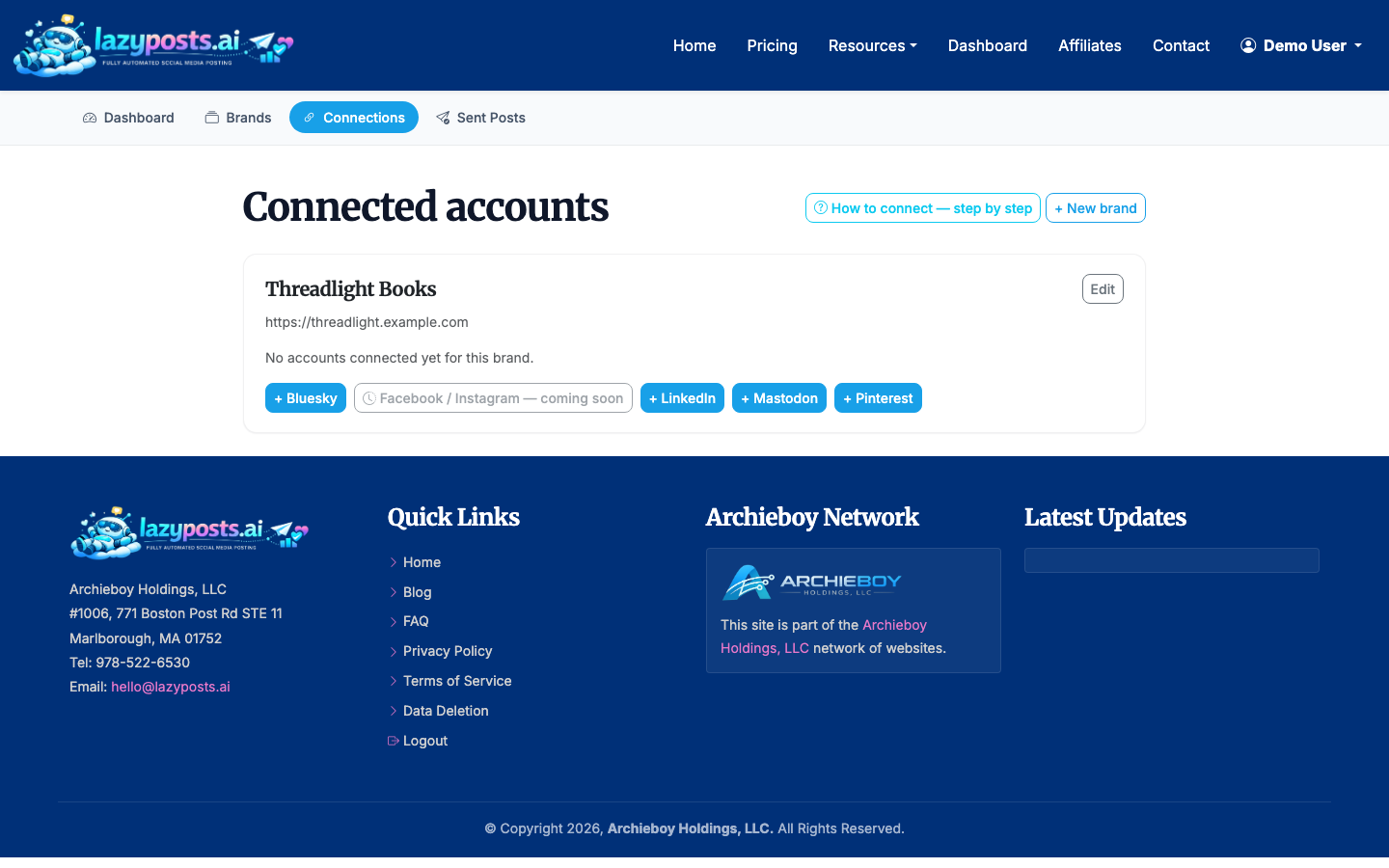
Only connect channels you can support. If your audience is active on LinkedIn and Instagram but not Pinterest, leave Pinterest out for now. Batch scheduling should reduce work, not multiply channels for vanity coverage.
If Instagram is your main channel, you may also want our guide on how to schedule Instagram posts. If you are still choosing the software for the job, How to Use Social Media Scheduling Tools walks through setup and the trade-offs.
- Set up your brand profile before creating drafts
Your brand profile is the foundation for useful batch scheduling. Add your business description, audience, voice, topics, avoid-list, and website URL. LazyPosts can use this context to draft posts that sound closer to you and avoid subjects you do not want to cover.
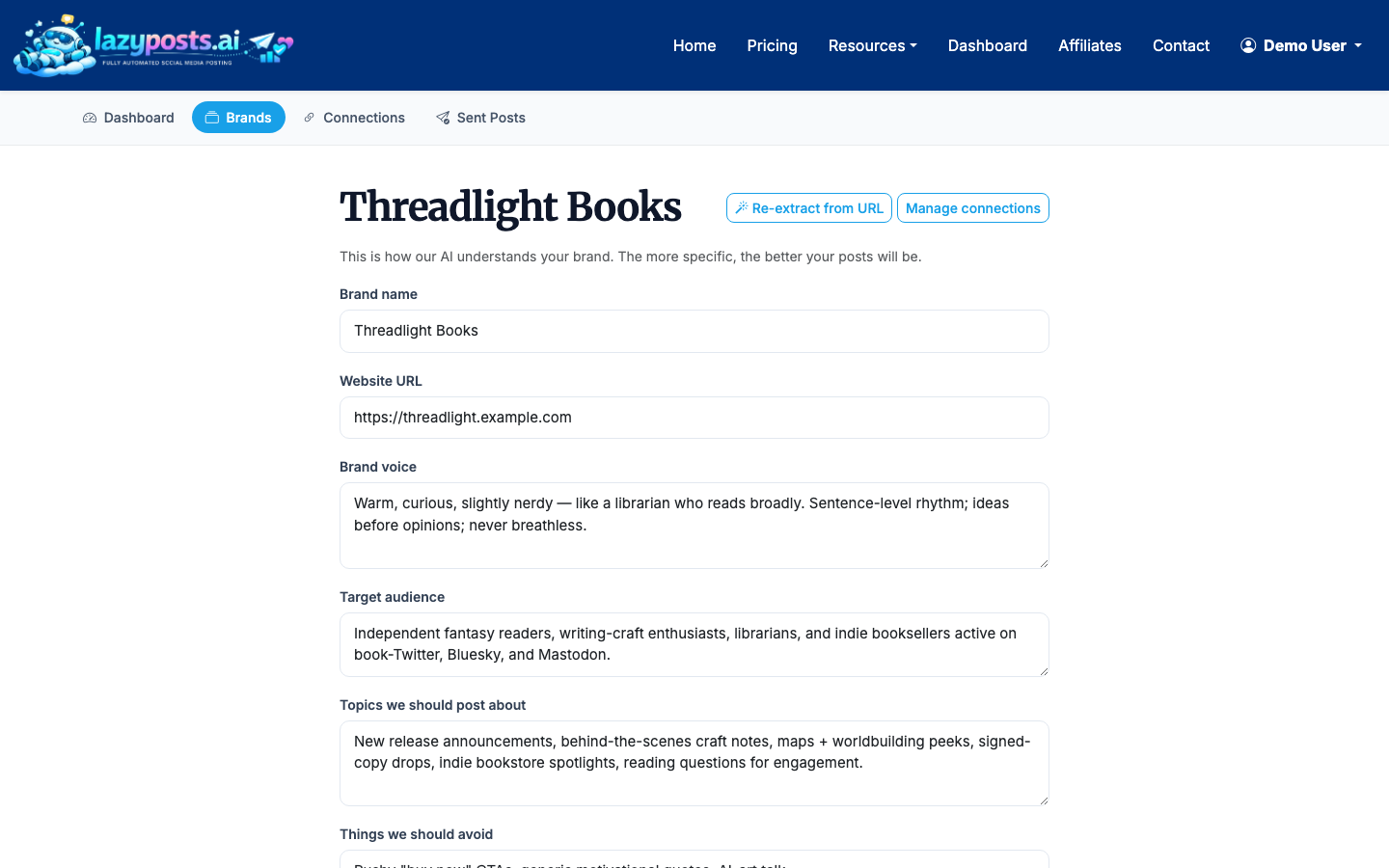
Be specific. “Helpful and direct for busy accountants” is more useful than “professional.” “Avoid tax scare tactics and political commentary” is more useful than “avoid bad content.”
- Choose a weekly batch rhythm
Pick one repeatable scheduling window. A common setup is 45 to 90 minutes every Monday morning to review, edit, and approve the week’s posts. If you prefer a monthly workflow, plan for 2 to 4 hours depending on how many platforms you use.
A practical weekly batch might look like this:
- Monday: educational tip
- Tuesday: opinion or industry perspective
- Wednesday: customer problem and solution
- Thursday: behind-the-scenes or founder note
- Friday: offer, reminder, or useful recap
You do not need every post to go to every platform. LinkedIn may need a sharper professional angle, while Instagram may need a stronger visual or shorter caption. If you are also scheduling short-form video, read how to schedule Reels on Instagram for the extra format considerations.
- Review your draft queue
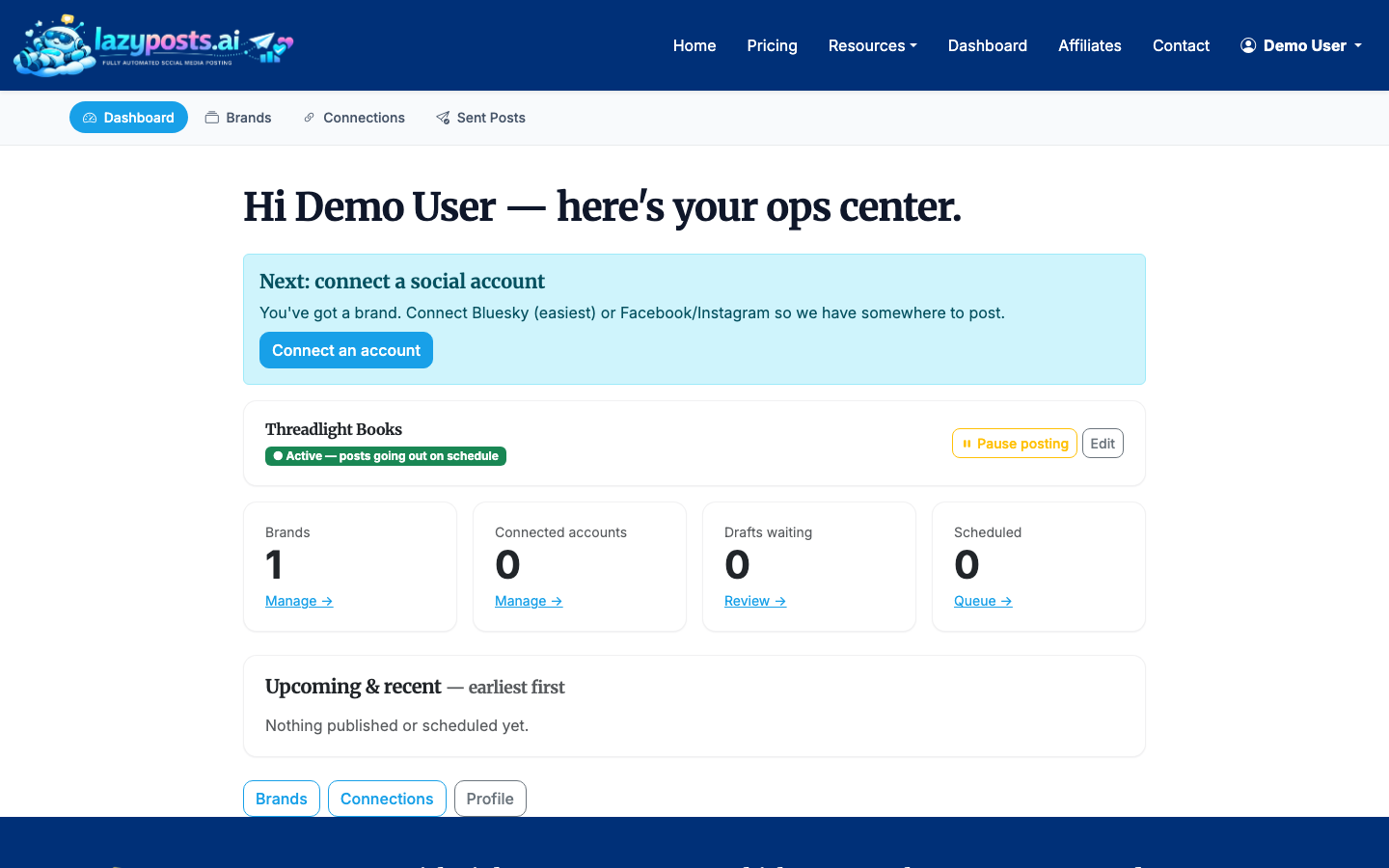
Go to your drafts queue and review the posts created for your connected brands and networks. In LazyPosts, each draft can be edited, approved, regenerated, or published depending on your workflow.
Review for three things in order:
- Accuracy: Is the claim true and current?
- Fit: Does it sound like your business?
- Timing: Is this still appropriate to publish this week?
Do not over-edit every sentence. The goal is a reliable publishing system, not literary perfection. Spend your attention on accuracy, audience relevance, and removing anything that feels off-brand.
- Approve, edit, or regenerate posts
For each draft, decide whether to approve it, make a quick edit, or regenerate it. Approval is useful when you trust the system but still want a final gate before anything goes live. Regeneration is better when the idea is right but the angle or tone is wrong.
A simple rule helps: edit when the post is 80% right, regenerate when the premise is useful but the execution misses, and delete when the idea is not worth saving.
- Check what has already gone out
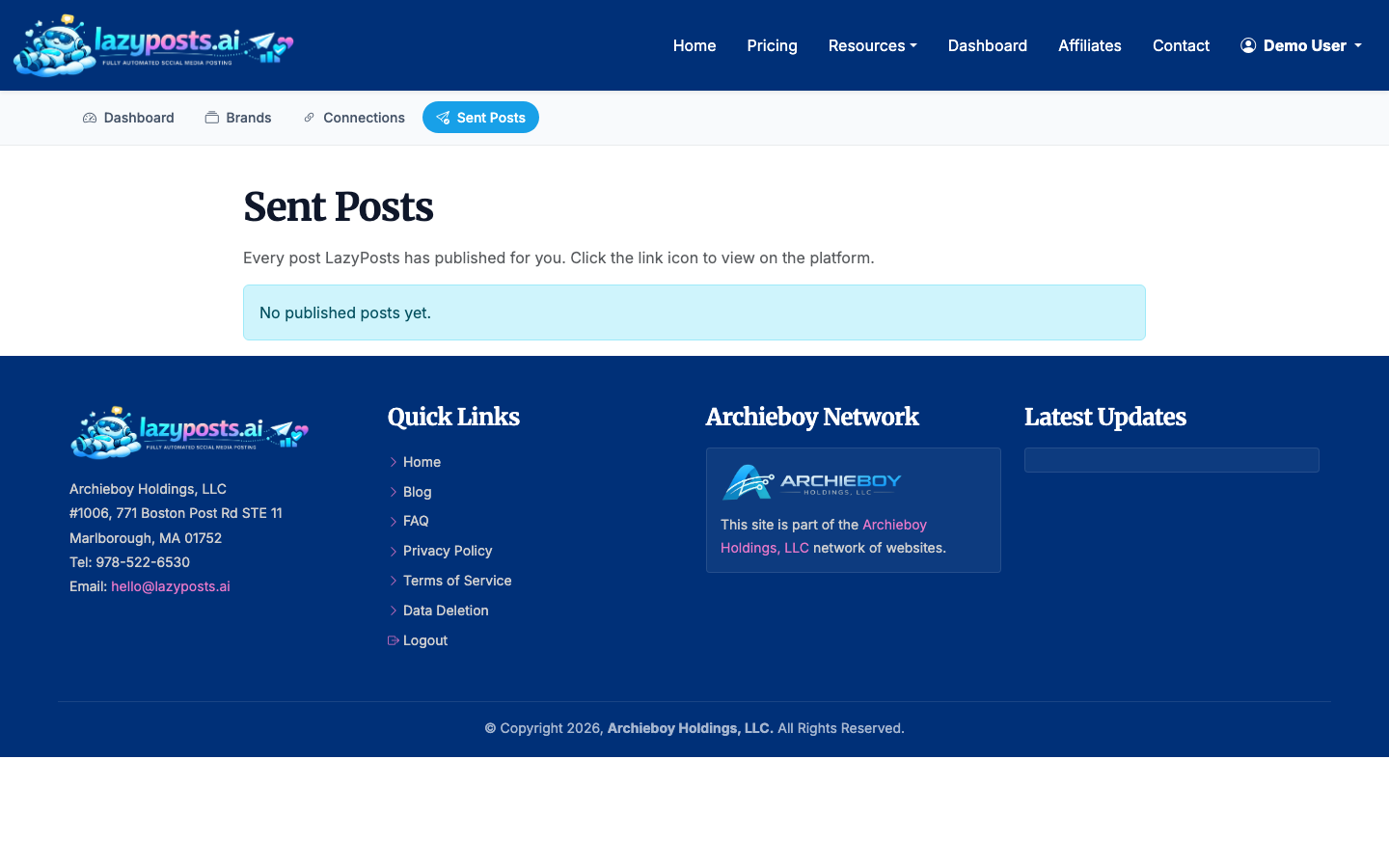
After posts publish, use your sent archive to confirm what went live across each brand and network. This prevents accidental repetition and gives you a quick view of what your audience has already seen.
Look for patterns every few weeks. If educational posts consistently perform better than direct promotions, adjust your topic balance. If one platform is not worth the effort, remove it from the batch instead of forcing it into the schedule.
- Pause publishing when needed
Batch scheduling should always have an emergency brake. If your business has a launch delay, a sensitive event affects your audience, or your scheduled content suddenly feels poorly timed, pause the brand or channel before more posts go out.
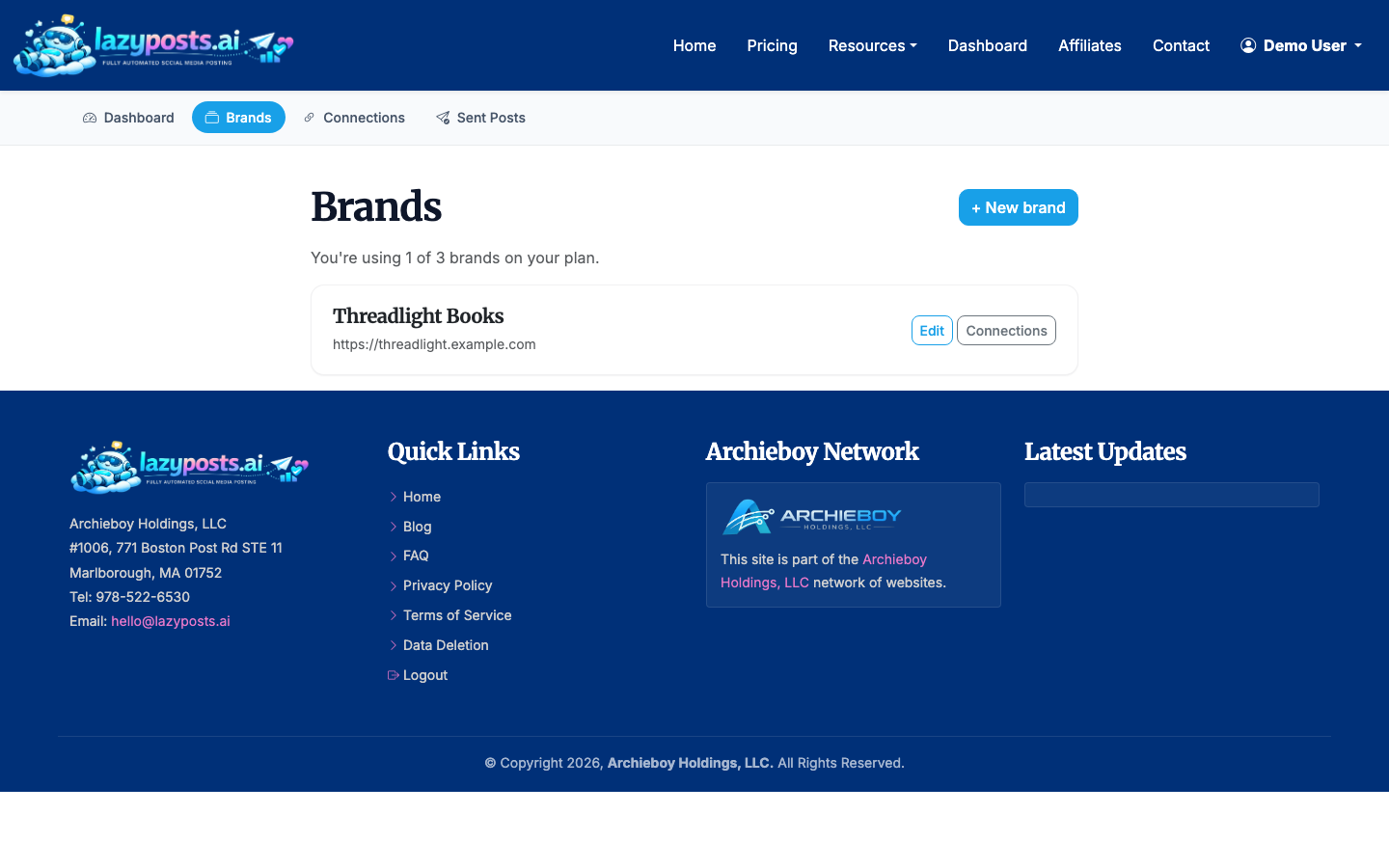
This is especially important for automated systems. A paused queue is better than an on-time post that lands badly.
How Do I Schedule Posts Across Platforms?
You have three main options.
First, you can use each platform's native scheduler. This is fine if you only publish to one or two networks. Instagram and Facebook can be handled through Meta tools, and LinkedIn has its own post scheduling. The downside is that you will repeat the same planning and review work in several places.
Second, you can use a traditional social media scheduler. These are useful when you want a calendar interface and prefer to write every post yourself.
Third, you can use an AI-managed scheduler like LazyPosts. This is a better fit when the bottleneck is not clicking “schedule,” but deciding what to say every week. LazyPosts drafts the queue from your brand context, balances topics, generates images when needed, and lets you approve posts before publishing.
If your current setup depends on cross-posting from Meta, compare it with how to automatically post from Facebook to Instagram. Cross-posting can save time, but batch scheduling gives you more control over voice and timing across different networks.
A Simple Batch Scheduling Checklist
Before you finish a batch session, confirm:
- Your active platforms are connected
- Your brand profile is current
- Each draft has been reviewed for accuracy
- Platform-specific posts still make sense in context
- Promotional posts are not crowding out useful content
- Anything time-sensitive has a clear publish window
- You know how to pause the queue if needed
Batch scheduling works because it turns social media into an operating rhythm. You still need judgment, but you no longer need to invent a post from scratch every morning.
