Before You Automate, Decide What Should Stay Manual
Automation works best when it removes repetitive work, not judgment. A good setup should handle routine posting, platform formatting, draft generation, hashtags, and image suggestions. You may still want to review announcements, sensitive industry commentary, hiring posts, legal claims, pricing updates, or anything that mentions customers by name.
For most solo founders and small businesses, a practical rhythm is:
- 3 to 5 posts per week per active brand
- 2 to 4 recurring topic buckets, such as tips, proof, product education, and behind-the-scenes updates
- One approval pass per week, unless your brand is low-risk enough for autopilot
- A monthly review of what actually got published
Step 1: Open Your Automation Dashboard
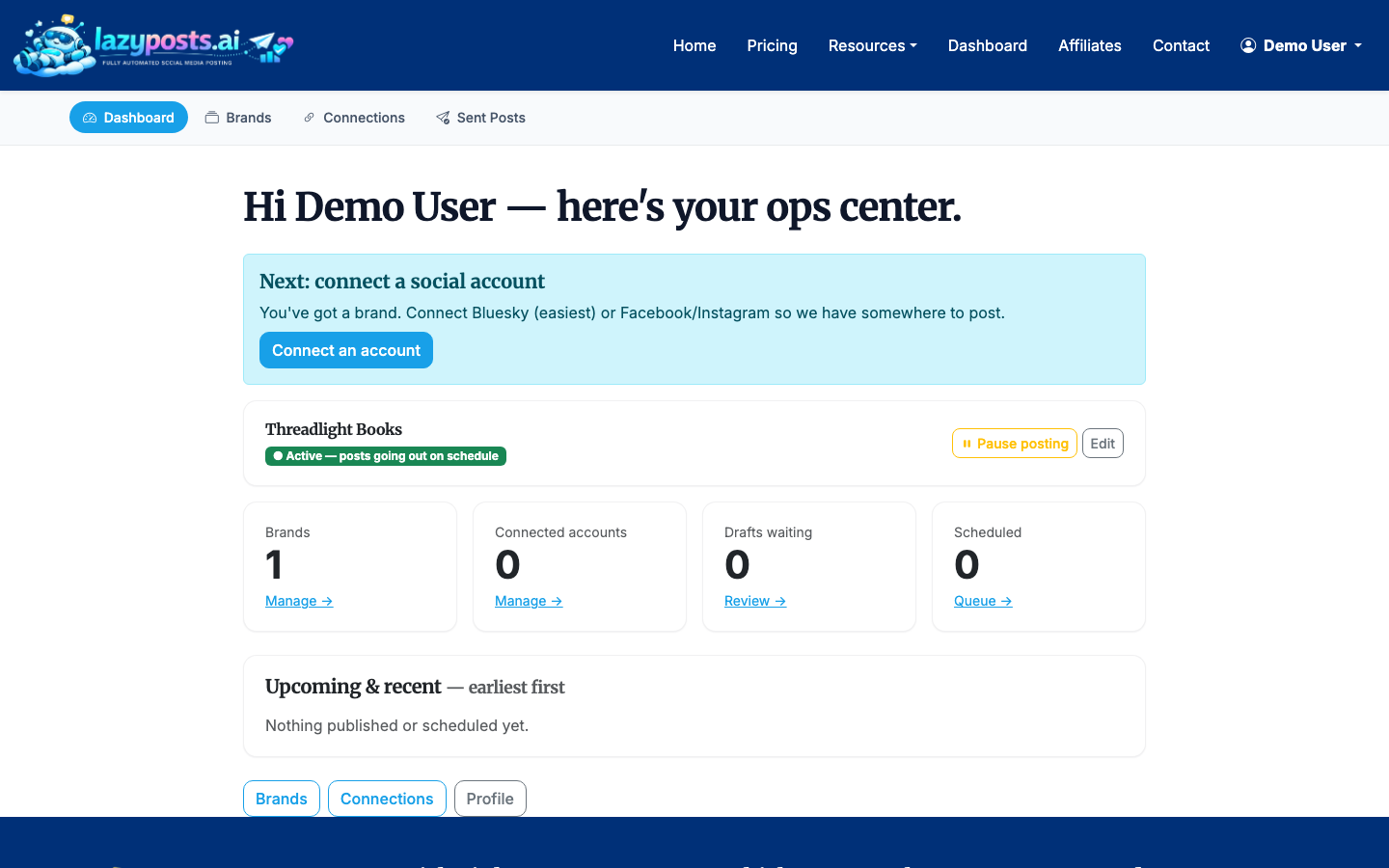
Start from the LazyPosts app dashboard. This is the hub for brand profiles, social connections, drafts, and the sent archive.
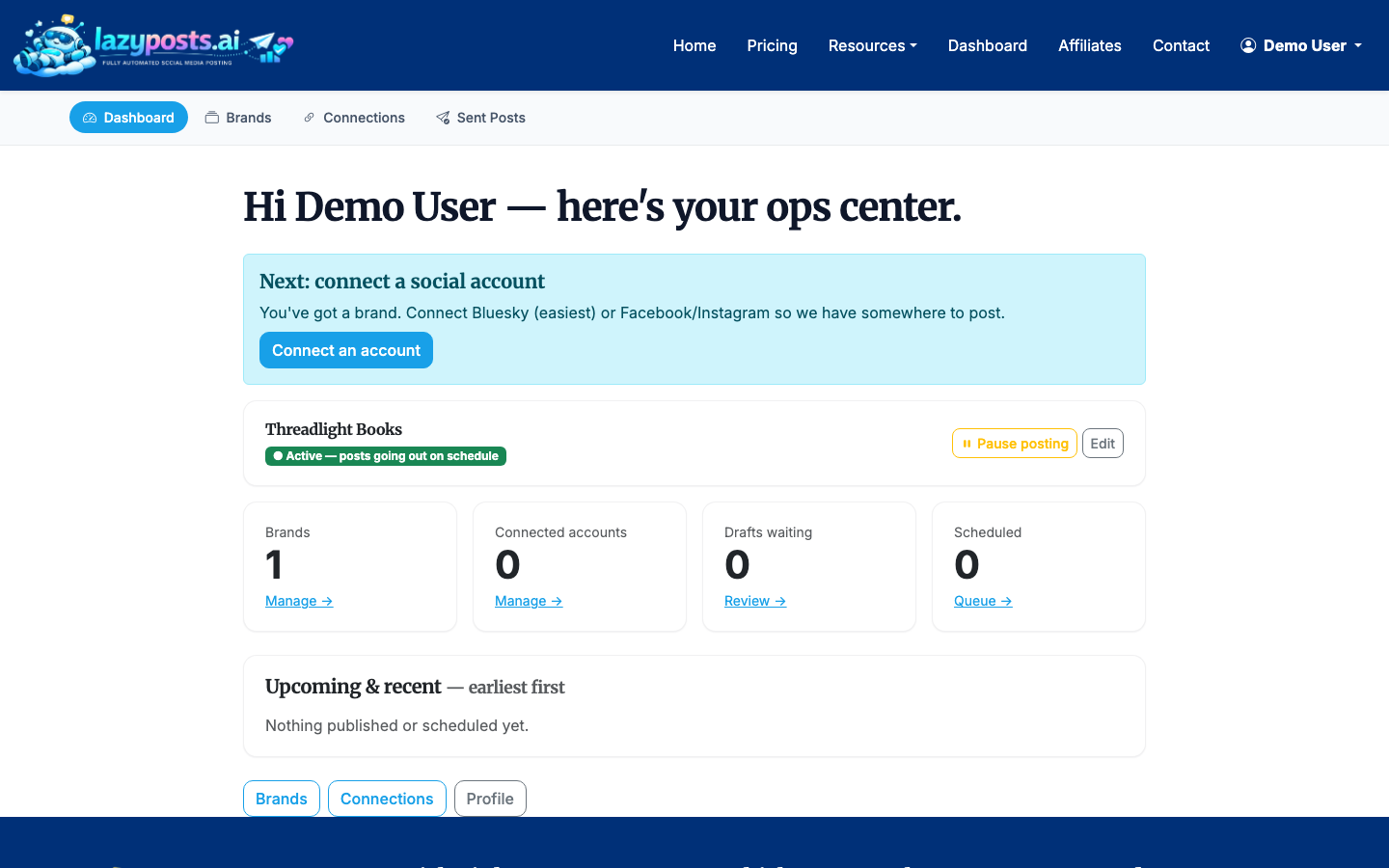
The dashboard matters because social automation has a few moving parts. You need one place to check whether your accounts are connected, your brand is active, and your draft queue has enough approved content.
Step 2: Create or Review Your Brand Profile
Your brand profile is the instruction layer behind the automation. In LazyPosts, this is where you define the voice, audience, topics, avoid-list, and website URL. The website field can help extract context automatically, but you should still review the result.
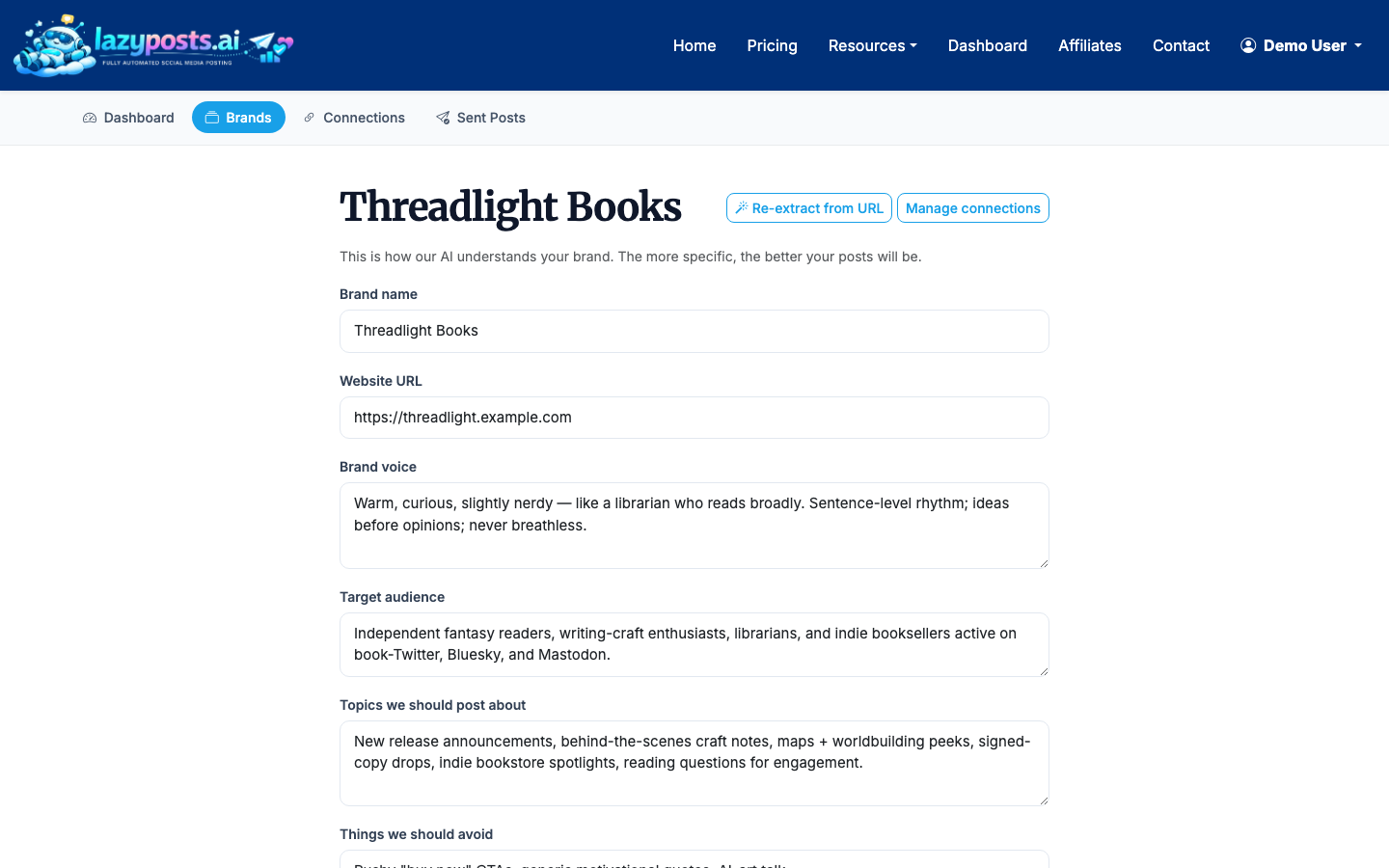
Use concrete inputs rather than generic adjectives. Instead of writing “professional but friendly,” add examples like:
- “Use short paragraphs and practical advice.”
- “Avoid hype, emojis, and motivational language.”
- “Write for independent consultants and small B2B service businesses.”
- “Mention pricing only when the post is specifically about plans or value.”
The avoid-list is especially important. Add competitors, banned claims, sensitive topics, phrases you dislike, and anything your brand should never imply.
Step 3: Connect the Social Accounts You Want to Automate
Next, connect the networks where you want posts to publish. LazyPosts supports Bluesky, LinkedIn, Instagram, Facebook, and Pinterest through their respective account connection flows.
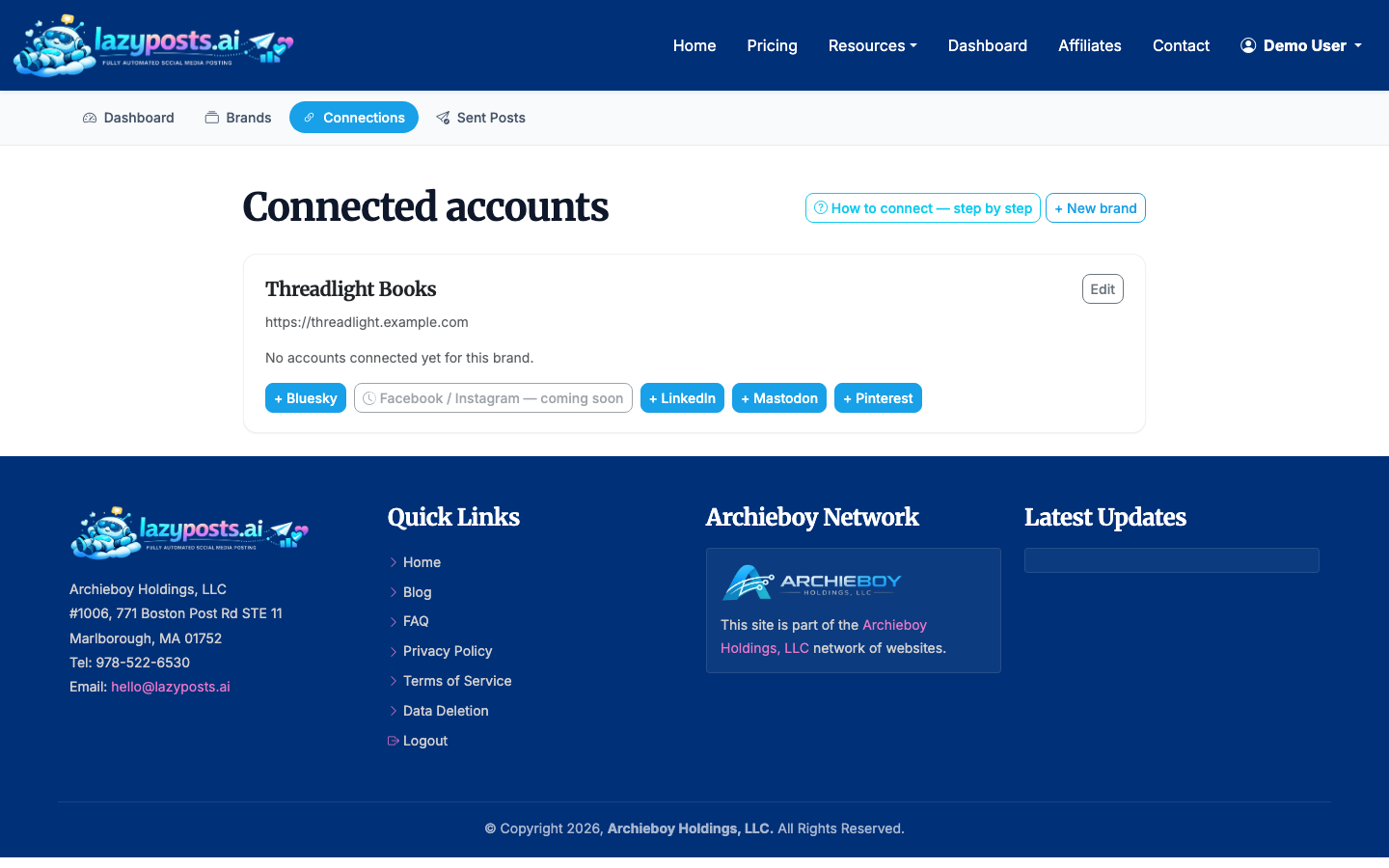
You do not need to automate every network on day one. Start with the platforms where your audience already pays attention. LinkedIn may be the best first choice for consultants and B2B founders. Instagram and Facebook can make more sense for local services, creators, venues, and visual businesses.
If you mainly need Instagram help, you may also want How to Schedule Instagram Posts. If video is your focus, read How to Schedule Reels on Instagram.
Step 4: Check Permissions and Platform Limits
Each network has its own rules around what an app can publish, which account types are eligible, and what permissions are required. LazyPosts includes a setup guide so you can confirm what each connection allows before relying on it.
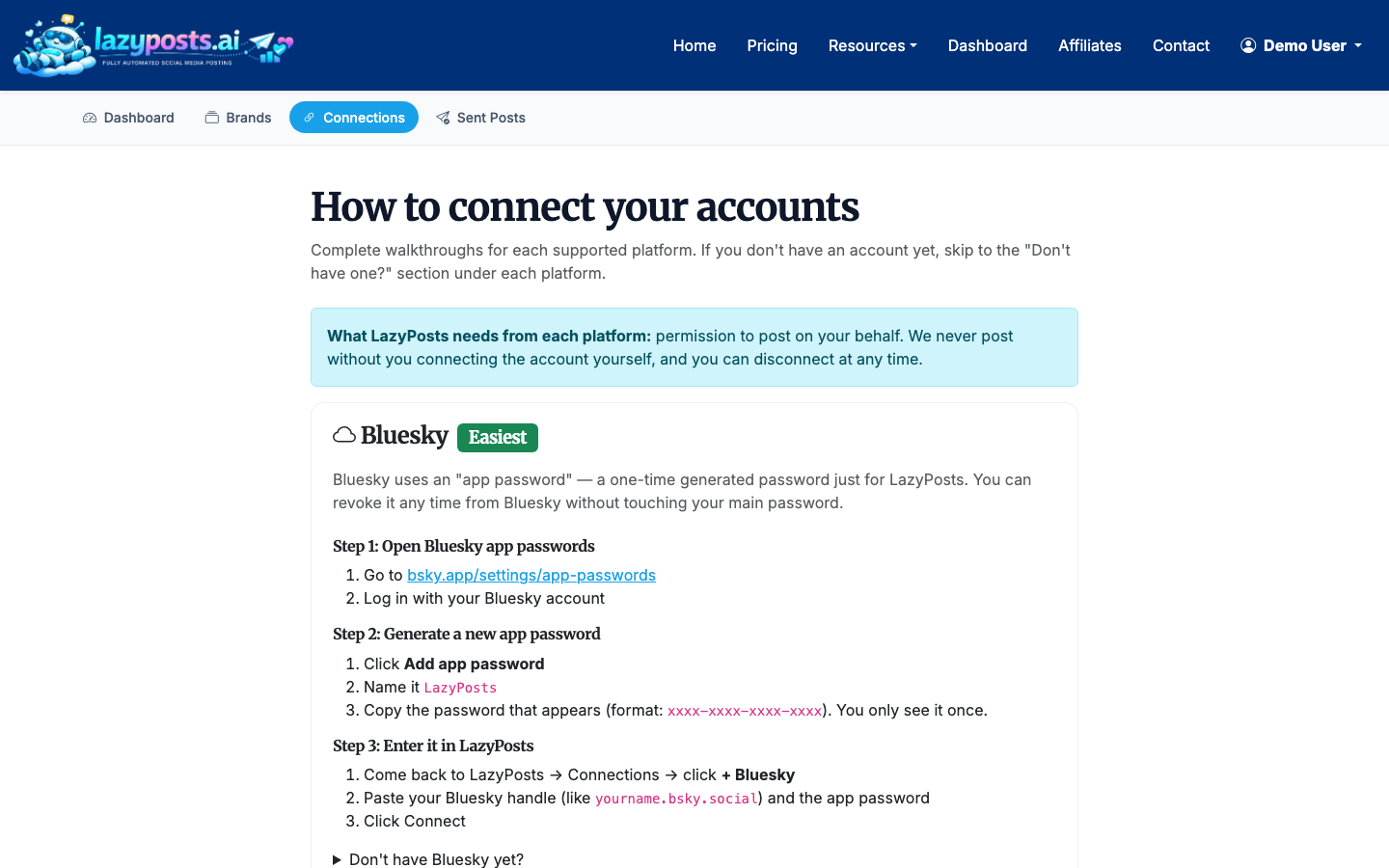
This is where many automation setups fail: the tool looks connected, but the account type or permission set does not support the post type you expected. Instagram and Facebook, for example, depend on Meta account permissions and connected assets. LinkedIn posting can differ between personal profiles and organization pages depending on the integration.
Step 5: Generate and Review Your Draft Queue
Once your brand and accounts are connected, LazyPosts can generate upcoming post drafts based on your topics, voice, and publishing needs. The drafts page is where automation becomes visible: each queued post can be edited, approved, regenerated, or published.
When reviewing drafts, look for four things:
- Does the post sound like your business?
- Is the claim specific enough to be useful?
- Is the call to action appropriate for the platform?
- Does the post repeat the same angle too often?
Regenerate posts that are structurally wrong. Edit posts that are mostly right but need a sharper example, a different hook, or a more accurate product detail.
For a healthy queue, keep at least 7 to 14 days of approved posts ready. That buffer gives the system room to keep publishing even when you are busy.
Step 6: Choose Approval or Autopilot
There are two common ways to automate social media posts:
- Approval mode: AI drafts the posts, but nothing publishes until you approve it.
- Autopilot mode: approved rules and brand settings allow the system to publish without a per-post check.
Approval mode is better for regulated industries, personal brands with a strong point of view, and businesses still tuning their voice. Autopilot is better for evergreen education, light product reminders, local updates, and low-risk brand awareness.
You can also mix the two. For example, let routine educational posts go out automatically while manually reviewing launch announcements and opinion-led posts.
Step 7: Pause Automation When Timing Matters
Automation should be easy to stop. In LazyPosts, the brands list shows each brand profile with status controls, including whether it is active or paused.
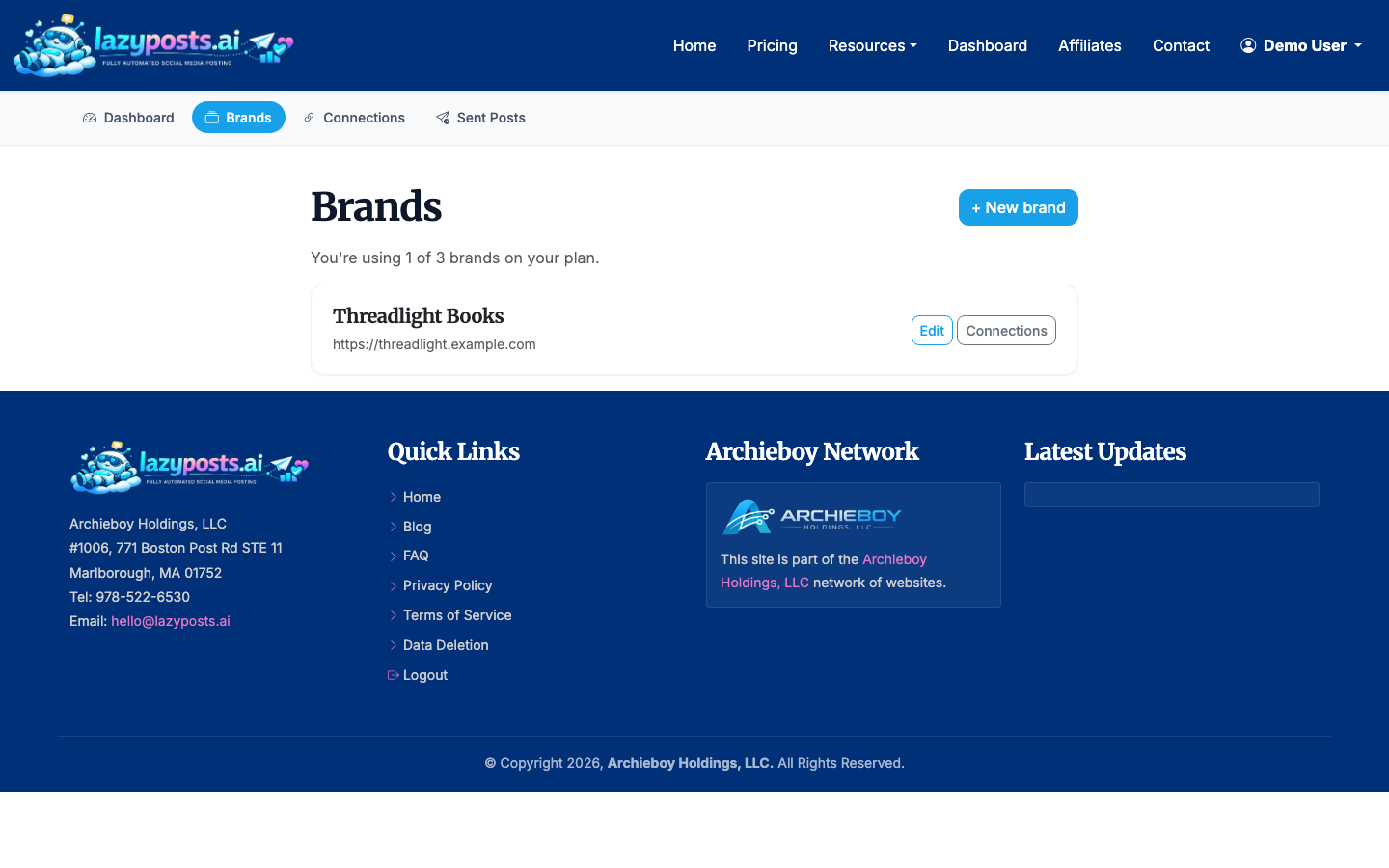
Pause posting during major company changes, sensitive news cycles, seasonal closures, rebrands, or when your offer is temporarily unavailable. Pausing is cleaner than deleting your setup because you can resume later without rebuilding your brand profile and connections.
Step 8: Review What Was Published
Automation still needs feedback. Use the sent archive to see what actually went out by brand and network, with engagement data where available.
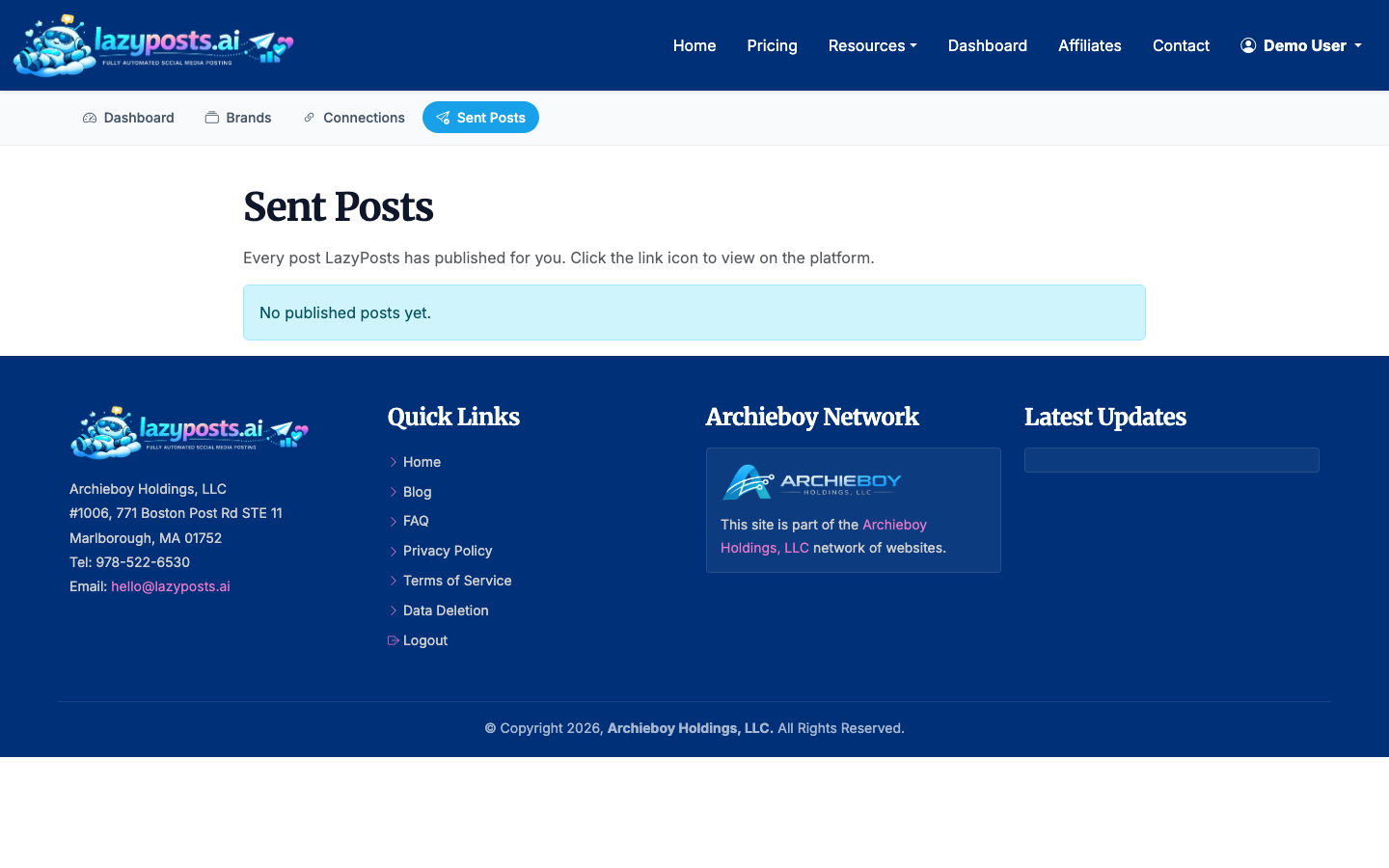
Review the archive once or twice per month. Look for patterns:
- Which topics keep getting ignored?
- Which posts produce comments, clicks, or saves?
- Are certain networks worth less effort?
- Is the AI repeating language you should add to the avoid-list?
Use those findings to update the brand profile. Social automation improves when you treat it as a managed system, not a one-time setup.
What Not to Automate
Do not automate replies to sensitive comments, crisis communication, legal or medical advice, or posts that require real-time judgment. You can draft these with help, but publishing should stay manual.
A Simple Weekly Workflow
A low-maintenance workflow looks like this:
- Spend 10 minutes reviewing new drafts.
- Approve the strongest posts and regenerate weak ones.
- Check that at least one week of content is queued.
- Review the sent archive every other week.
- Update your topics or avoid-list when patterns emerge.
That is enough for many small businesses. If you want more platform-specific workflows, see How to Automatically Post from Facebook to Instagram.
Final Takeaway
The best way to automate social media posts is to separate content judgment from repetitive publishing. Set the voice, connect the accounts, build a reviewable queue, keep approval on until trust is earned, and use your archive to improve the system over time.
LazyPosts is built around that model: connect once, define the brand, and let the posting workflow run with as much or as little approval as you need.
